For the Pantry App, we have decided on a three-tier concept:
Communities - Storage Locations - Shelves/Compartments. The following sections explain each level in detail with examples to simplify the structuring of your own pantry.
Storage locations
First, we will discuss the concept of a storage location. A storage location is a place where food and possibly other household items are kept.
If products are located in two different rooms, as a general rule, two storage locations should be created.
Similarly, a storage location should be established if the storage conditions differ significantly - this is the case with a fridge/freezer combination.
In the refrigerator, the temperature is usually around 4°C, while in the freezer it is -18°C. This temperature difference leads to significantly different conditions, therefore a storage location should be created for both the refrigerator and the freezer compartment.
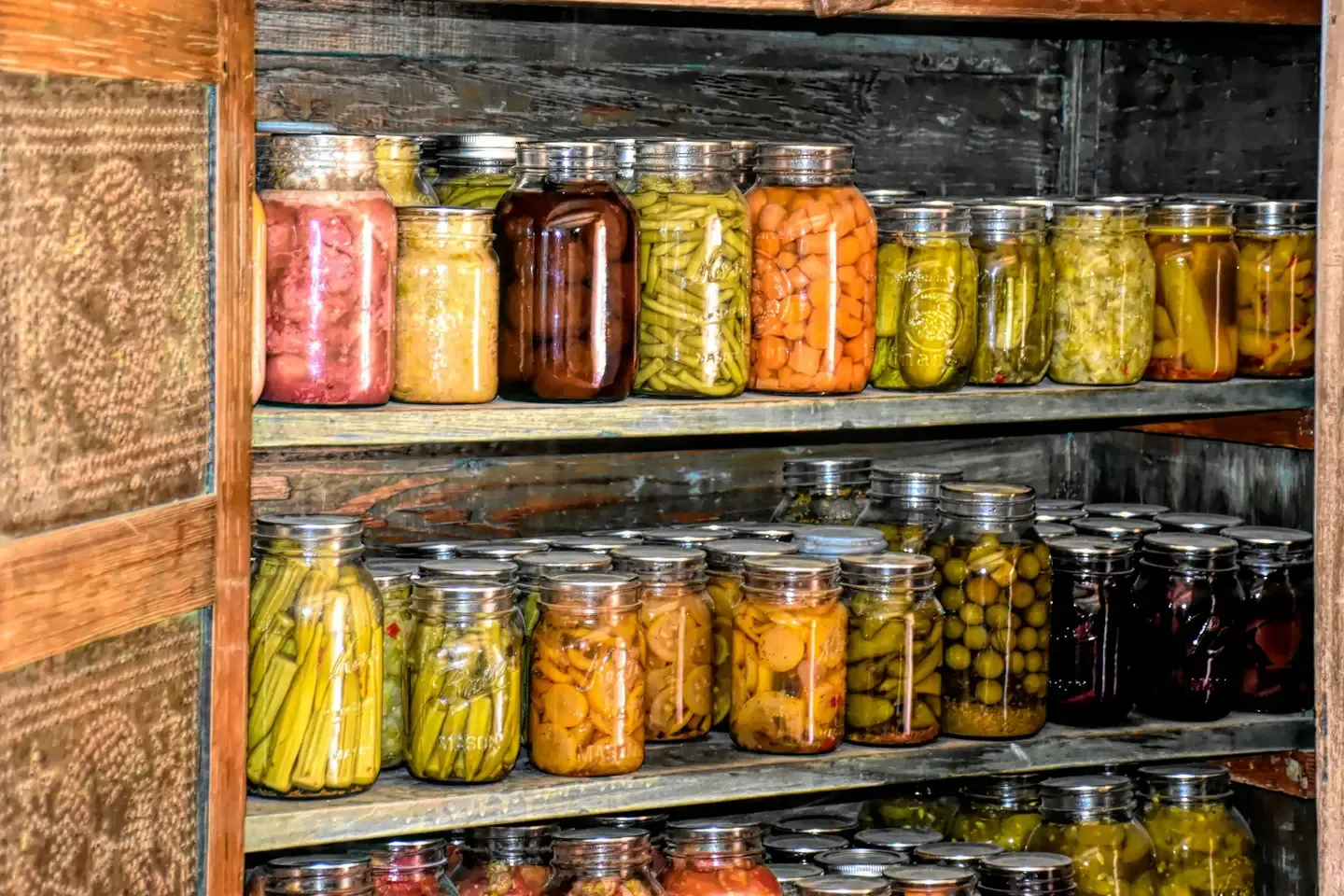
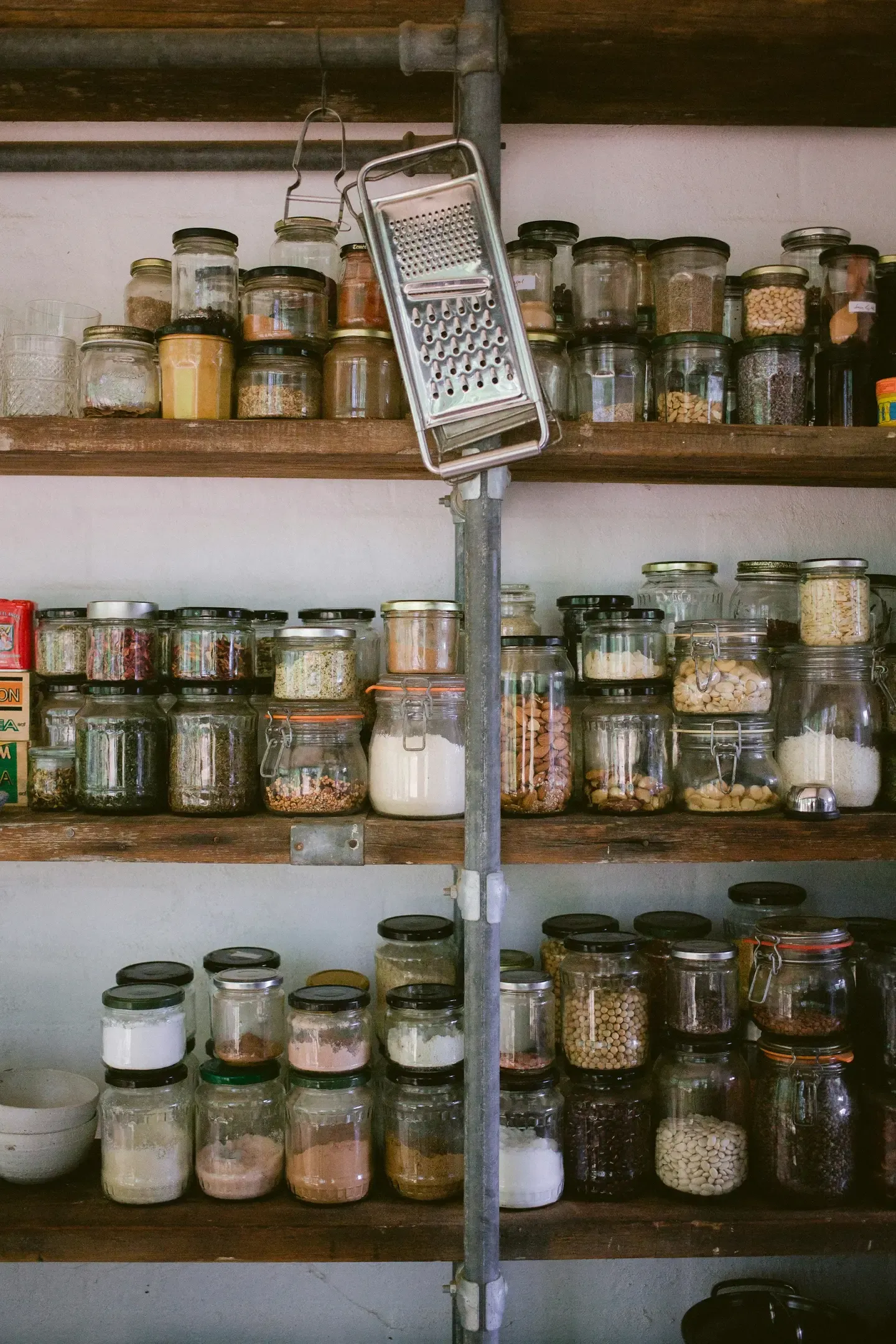
Examples of storage locations include: pantry, refrigerator, kitchen cabinet, freezer compartment/freezer chest, basement room/storage cellar, living room cabinet, garage.
Shelves/Compartments
Another grouping characteristic for products within a storage location is a freely definable text field, which can be used to differentiate between shelves or compartments.
For small storage locations like a freezer compartment, this is usually not necessary - but for a large cellar room with several shelves, a subdivision significantly increases clarity.
Typical for all shelves/compartments/boxes are the identical storage conditions within a storage location.
Examples of how to use this field include:
- Shelf on the left, shelf on the right
- Compartment 1, Compartment 2, … Compartment 5
- Top drawer, middle drawer, bottom drawer
- Storage box 1, Storage box 2, Storage box 3
Communities
Zuletzt gehen wir auf das Konzept der Gemeinschaften ein.
Mit den oben genannten Strukturierungsmerkmalen lässt sich ein normaler Haushalt abbilden. Alle Lagerorte in einem Haushalt werden in einer Gemeinschaft zusammengefasst - charakteristisch für die Gemeinschaft ist, dass eine vorher definierte Gruppe von Personen in diese Gemeinschaft bilden und alle auf die zugehörigen Lagerorte mit Lebensmittel Zugriff haben. Für die Planung von Lebensmittelvorräten gehen wir davon aus, dass sich die Mitglieder einer Gemeinschaft aus den Lebensmittel einer Gemeinschaft bedienen.
Example shared apartments
If in a shared apartment with several roommates the groceries are bought and planned together, they can all be managed in one community. However, if each roommate has a separate shelf space and a compartment in the refrigerator, then each is responsible for their own food and multiple communities need to be established - even though the premises and possibly even the storage locations are identical.
More examples
Examples of engaging with other communities in addition to one’s own household include:
- Vacation homes and weekend cottages
- Shared housing where shopping is done together
- Office kitchens where coffee, milk, etc. are purchased collectively
Of course, deviations from this model can be made according to one’s own needs. If you have discovered a use for the Pantry App that is not listed above in the examples, we would be delighted to receive feedback!
Read next