

Smantry 1.39: Home Screen Widgets, a New Expiry Screen and a Cleanup List
The summer update is here – and it’s one of the biggest in a long time. Smantry 1.39 brings together everything that has been added since version 1.37: expiration dates now appear right on your home screen, entering best-before dates has its own dedicated page, and for the items you eventually just forget about, there’s now a cleanup list. Here’s an overview.
Your pantry on the home screen: widgets for iOS and Android
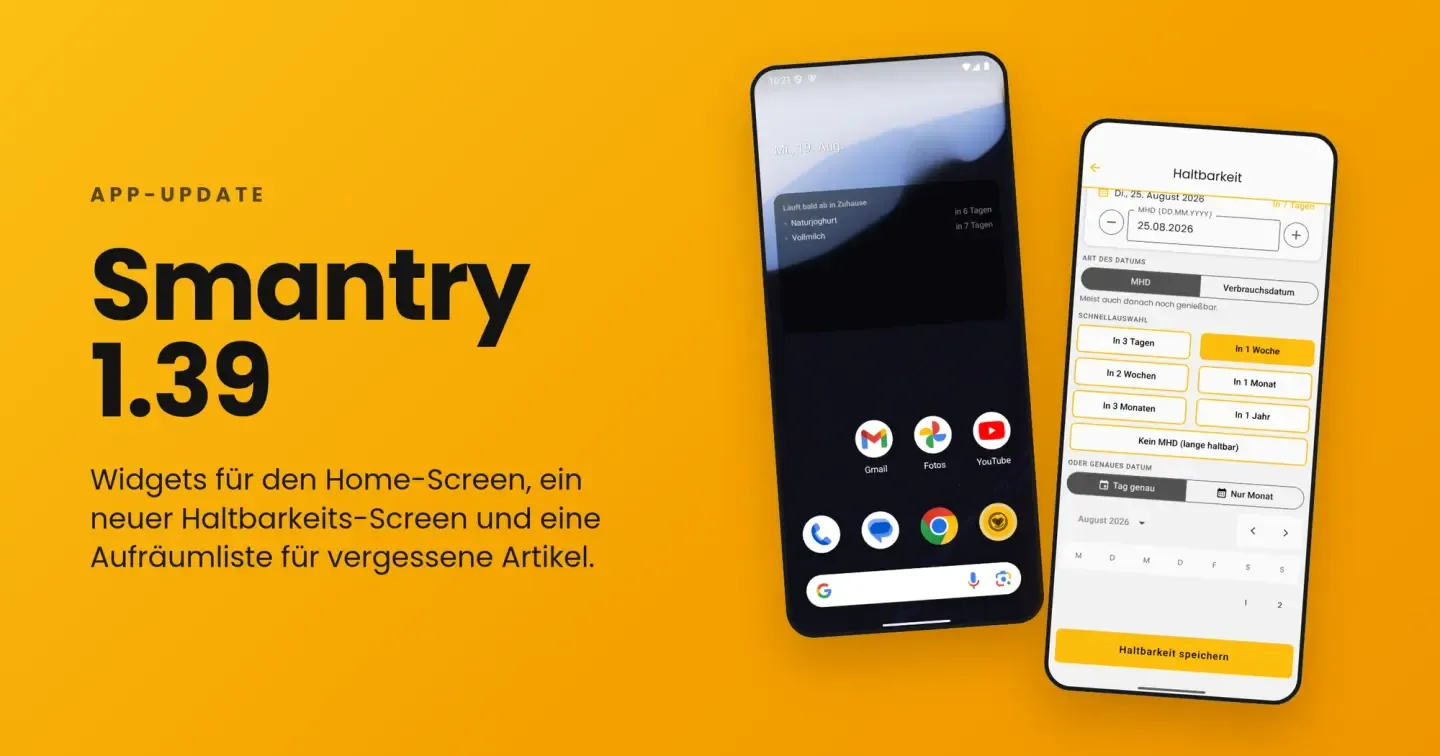
The most important view in Smantry is the one that answers the question: What’s expiring soon? From now on, you don’t even have to open the app for that anymore – the “Expiring soon” widget brings the answer straight to your home screen. On iOS it’s brand new, and on Android we’ve completely overhauled it in this version: it reliably receives data again, now shows the same countdown texts as on iOS, and opens the corresponding list when you tap it.
On the iOS home screen, the widget is available in two sizes:
- Small: a large number shows how many items are due in your reminder period – plus the most urgent product.
- Medium: multiple items with countdown (“today”, “tomorrow”, “in 3 days”).
In addition, on iOS there are three lock screen widgets: circular, rectangular, and a slim line above the clock – so you can glance at the display without unlocking it.
The colors help you prioritize: Red means overdue, Orange due today, Yellow due within the next three days. Important: The time period the widget considers as “soon” is not a fixed value – it adopts the reminder lead time from your settings. And when there’s nothing coming up, a green checkmark shows “Your pantry is in good shape” – sometimes the best widget is the one that leaves you in peace.
Technically nicely implemented: The widget keeps counting the days on its own and stays accurate, even if you never open the app. It doesn’t need the internet or its own database access for this – when you use it, the app simply stores a local snapshot of your expiry data. On iOS, the widget works from iOS 16.
Tapping the widget now no longer just takes you into the app, but directly to the filtered view with exactly the items in question – including expired ones.
The new shelf-life screen: enter the date without any detours
Entering the best-before date is the most common action in Smantry – and that’s exactly why it now has its own, tidy page. Whether you scan an item or create it manually: instead of a small dialog with number wheels, the new shelf life screen opens with everything in one place:
- Choose the type of date: Best-before date or use-by date – with a note that explains the difference (“Usually still fine to eat afterwards.” versus “Do not eat after this date.”). The save button always tells you what you’re setting: “Save shelf life” or “Save use-by date”.
- Quick selection: “In 3 days”, “In 1 week”, “In 2 weeks”, “In 1 month”, “In 3 months”, “In 1 year” – one tap is enough. For rice, canned goods & co. there is “No best-before date (long-lasting)” – this selection is now also reliably saved. For the storage date, which lies in the past, the list is reversed accordingly: “Today”, “Yesterday”, “1 week ago” and so on.
- Fine-tuning: Use − and + to jump by whole days; the relative display (“In 31 days”) immediately gives you a feel for the date.
- Calendar included: The built-in calendar is limited to sensible years – no more accidentally scrolling all the way back to 1900.
The storage date now has its own screen instead of sharing a selection list with the expiration date. The two dates are never edited at the same time – that may sound like a small detail, but it has eliminated exactly the mix-ups that previously generated the most feedback.
Also handy: The input now always remains visible above the keyboard, and the scan flow no longer gets interrupted when the notification permission is requested for the very first date.
Only month and year? That’s enough for now.
Many products don’t show a full date, but only “best before 05/2027”. One of the most requested community suggestions has therefore now been implemented: the “month-only” mode.
Simply switch from “Exact day” to “Month only” in the shelf life screen, type in “MM.YYYY” – done. Smantry automatically saves the end of the month, i.e. the last day on which the product is still good according to the printed date. No more guessing which exact day it’s supposed to be.
Smantry only records the month in this case: in the list, on the website, and in the PDF export, only the month will appear – not an exact day, which never actually appeared on the packaging.
Forgotten items: the new decluttering list
Every pantry has them: items that expired long ago and have still been sitting untouched on the list for weeks. Until now, Smantry has only pointed them out – but hasn’t offered anything to help you get rid of them.
That’s what the new “Clean up” screen changes. It gathers all items that expired more than 14 days ago and haven’t been touched since, with the most overdue ones first. And it gives you exactly two buttons per item:
- Red trash can (“Gone”) – the item is removed from stock.
- Green check mark (“Still there”)– nothing changes; you’ve just confirmed that the item still exists.
On the dashboard, a card points the way (“3 items are waiting for you”), which automatically hides itself as long as there’s nothing to tidy up. No badge constantly nagging you.
Best-before date or use-by date? The difference matters everywhere now
“Best before” is a recommendation – “use by” is a limit. Smantry now consistently distinguishes between the two, in the app and in the web version. For ground meat you set a use-by date, for pasta a best-before date, and you mark long-lasting items as “does not expire” – they then won’t appear in the expiry warnings at all.
There are two new filters to go with this: “not yet expired” – a view for everything that’s still good, as a counterpart to the existing “expired” filter – and “expiring soon or expired”, the view you land in after tapping the widget.
Reminders that match the product
Up to now, there was one reminder period for everything: five days before the best-before date, whether it was yogurt or frozen pizza. Now you can set it per item. In the item form there is a field called “Reminder (days before best-before date)” – if you leave it empty, your default value from the settings will still apply.
Practical for anything that needs more lead time: for a pack of meat you still want to freeze, two days’ notice is already too late – for canned goods, on the other hand, two weeks’ warning is just noise.
Expired is not the same as expired
A yogurt that is three days past its best-before date is a different matter than a canned good that is three days past. That’s why Smantry can now assess expired items in relation to their original shelf life instead of just counting the days since the best-before date.
You can find this option in the settings under “Grade expired items by their original shelf life” – along with two thresholds that define at which remaining percentage of the original shelf life an item turns yellow or red. If you prefer to keep things simple, just leave this option disabled.
Used up or thrown away? One tip makes the difference
When you take an item out of your stock, you can now quickly record whether it was eaten or thrown away – either directly on the item using the fork or trash can button, or when removing it via the dialog (“Was it used up or did you have to throw it away?”). This also works for partial quantities, for example if you only had to throw away half of it.
Why this matters: Smantry helps you avoid food waste. And that works best when you know exactly what regularly ends up in your trash. This data stays within your household and will form the basis for future statistics – you’ll be able to see how much you’re really saving.
Date format: DD.MM.YYYY, also in English
Previously, the way dates were written depended on the app language – if you used Smantry in English, you were forced to use “MM/DD/YYYY”. These are now two independent settings: Under “Date format” you can choose “DD.MM.YYYY”, “MM/DD/YYYY” (US) or “DD/MM/YYYY” (French) – regardless of which language the app uses to talk to you. In the app and in the web version.
Further innovations at a glance
- New units: You can now also count items in portions and packages – for everything that can’t really be measured in grams or liters.
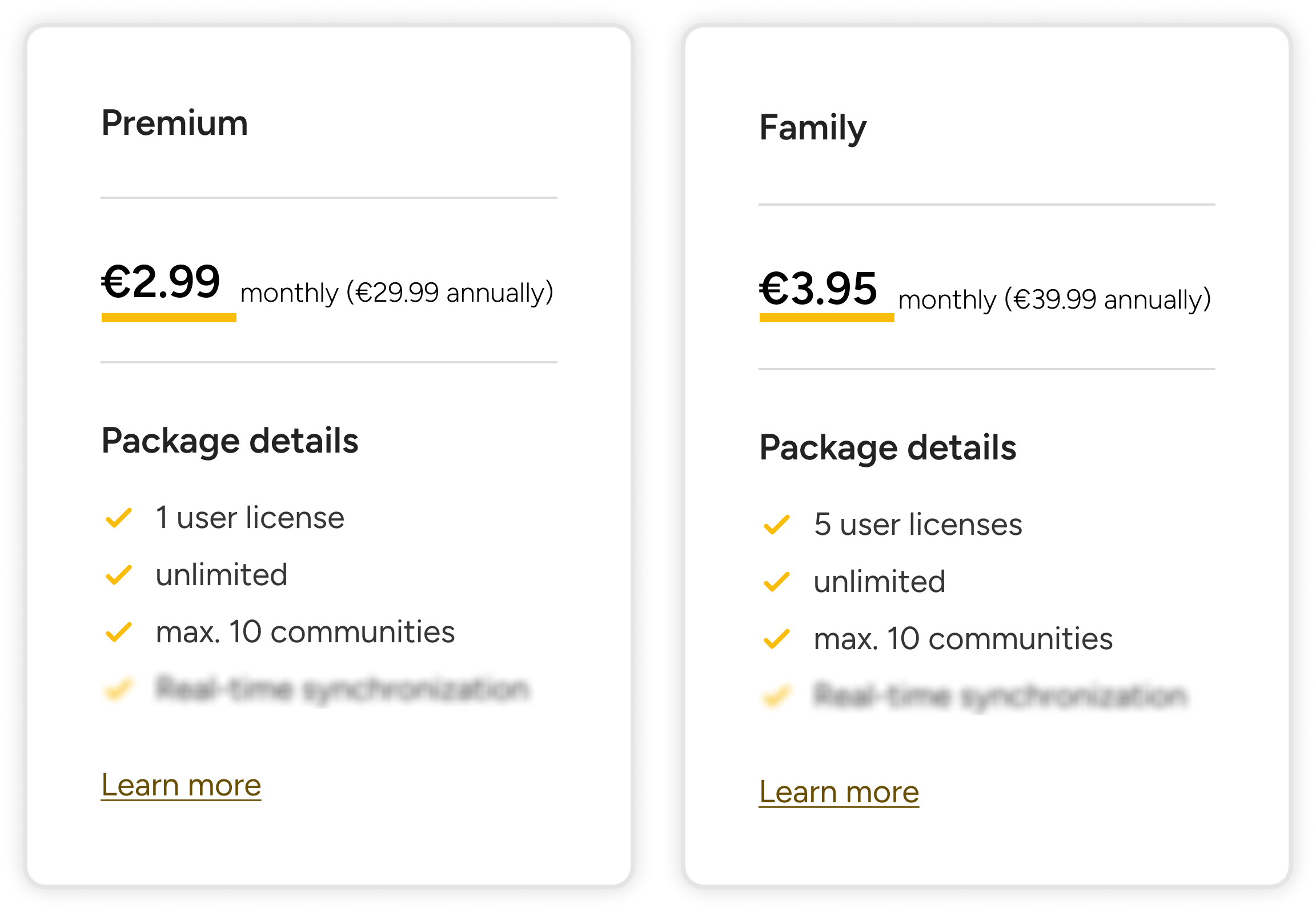
- Premium for two: Your individual Premium subscription now includes a second license. Simply invite your partner to join your team – at no extra cost.
- Shelf and compartment in view: The stock list now shows the specific compartment of a storage location and the earliest best-before date of an item directly in the row.
- Move instead of delete: When deleting a storage location, Smantry offers to move the items instead – even to the storage location of another household.
- Filters that stay: Your filters in the pantry list now survive an app restart.
- Nothing gets lost anymore: If the app is terminated by the system while you’re entering an item, your typed data will be there again the next time you start it.
- Scanner fine-tuning: Barcodes are now correctly recognized even with the front camera and when the device is rotated, the scanner no longer freezes when you return to it, and if camera access is missing, the app takes you straight to the settings.
- Siri and Shortcuts (iOS): In the Shortcuts app, you’ll find three new Smantry actions – “What expires soon?” responds directly in Siri without launching the app. The actions require iOS 17 and are currently only available in English.
- Emails in your language: Confirmation and password reset emails will now be sent in your app’s language.
- PDF export cleaned up: The printed stock list is now sorted and filtered exactly like your view in the app.
- Subscription management: Plan changes now work without the risk of double billing, and with “Refresh status” you can immediately refresh the subscription status after a purchase – in case it’s still lagging behind.
- Improved readability: Large system fonts are now supported – scaling is capped at an upper limit instead of being ignored, so the layout stays intact.
Update now
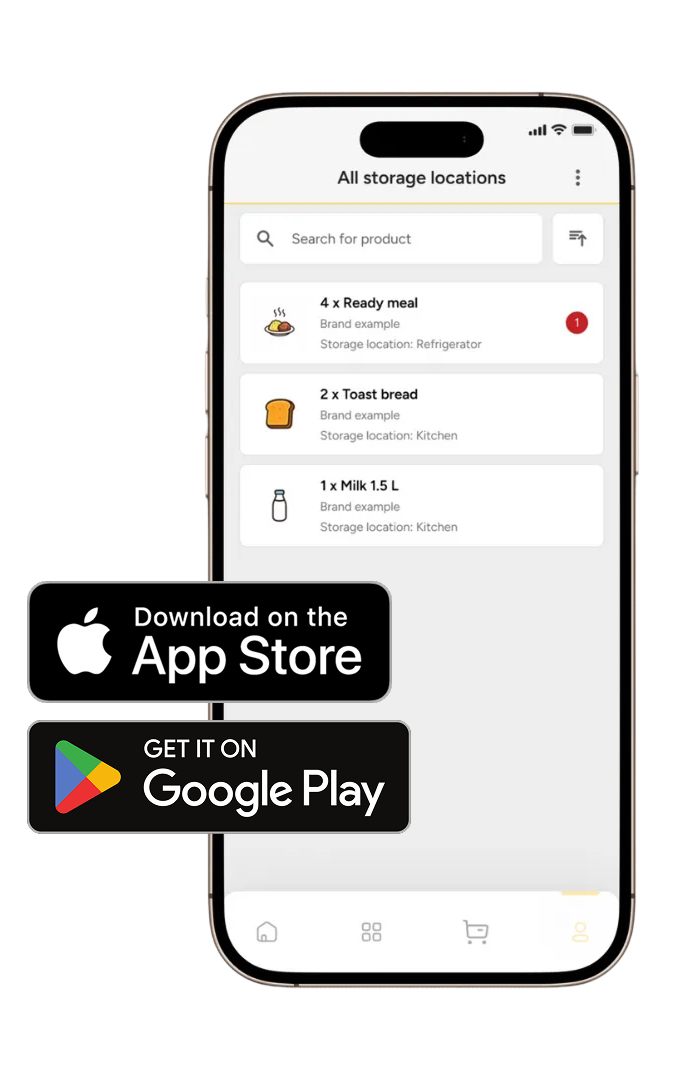
Smantry 1.39 is available in the App Store and on Google Play. Just open the store and download the update – your pantry is already waiting for its widget.
You have feedback on the new features or an idea for the next version? Tell us directly in the app via the support chat or in the feedback portal. That’s exactly how the “month-only” mode, per-item reminders, and many other improvements in this update came about.


