🖼️ Private photos for your articles
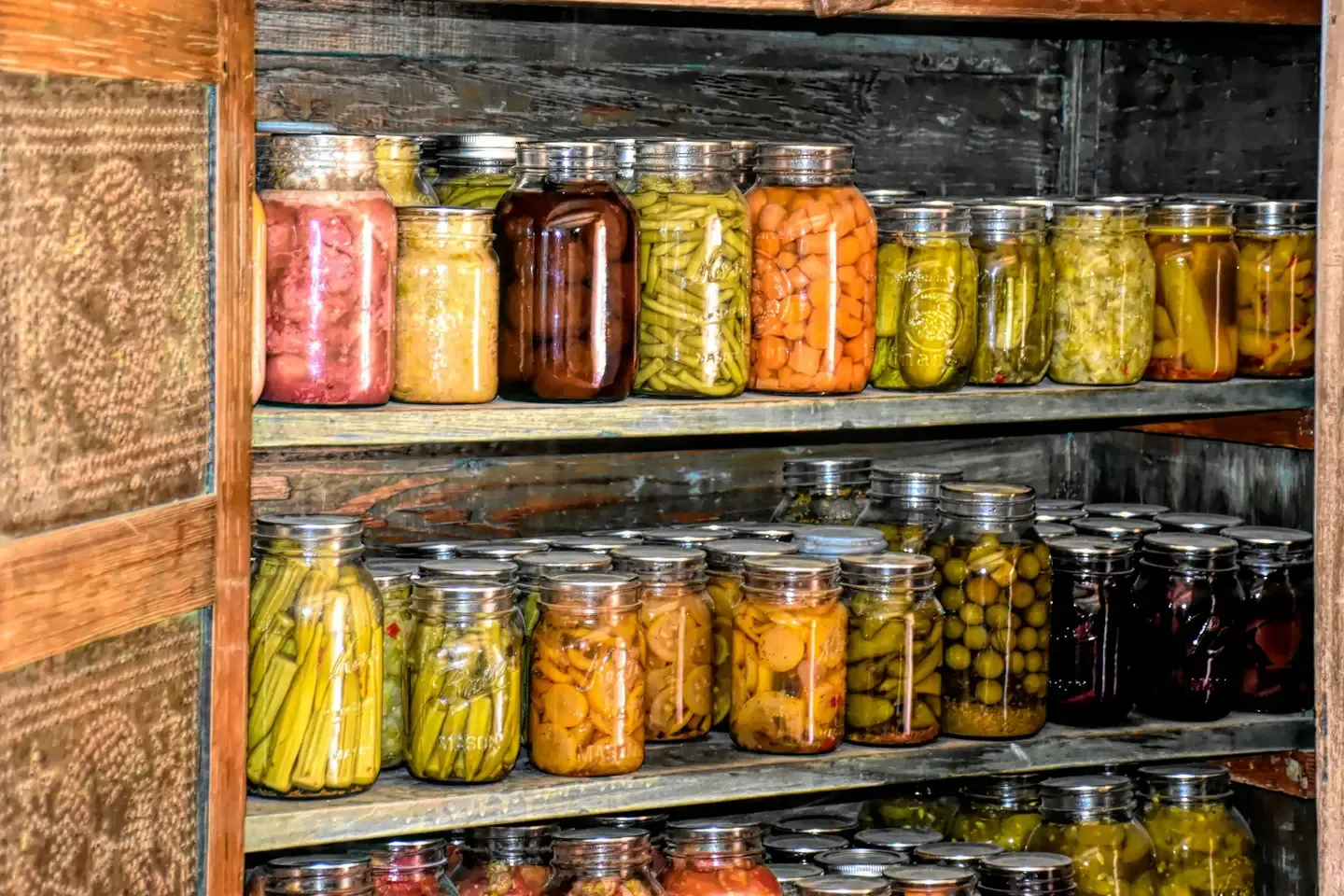
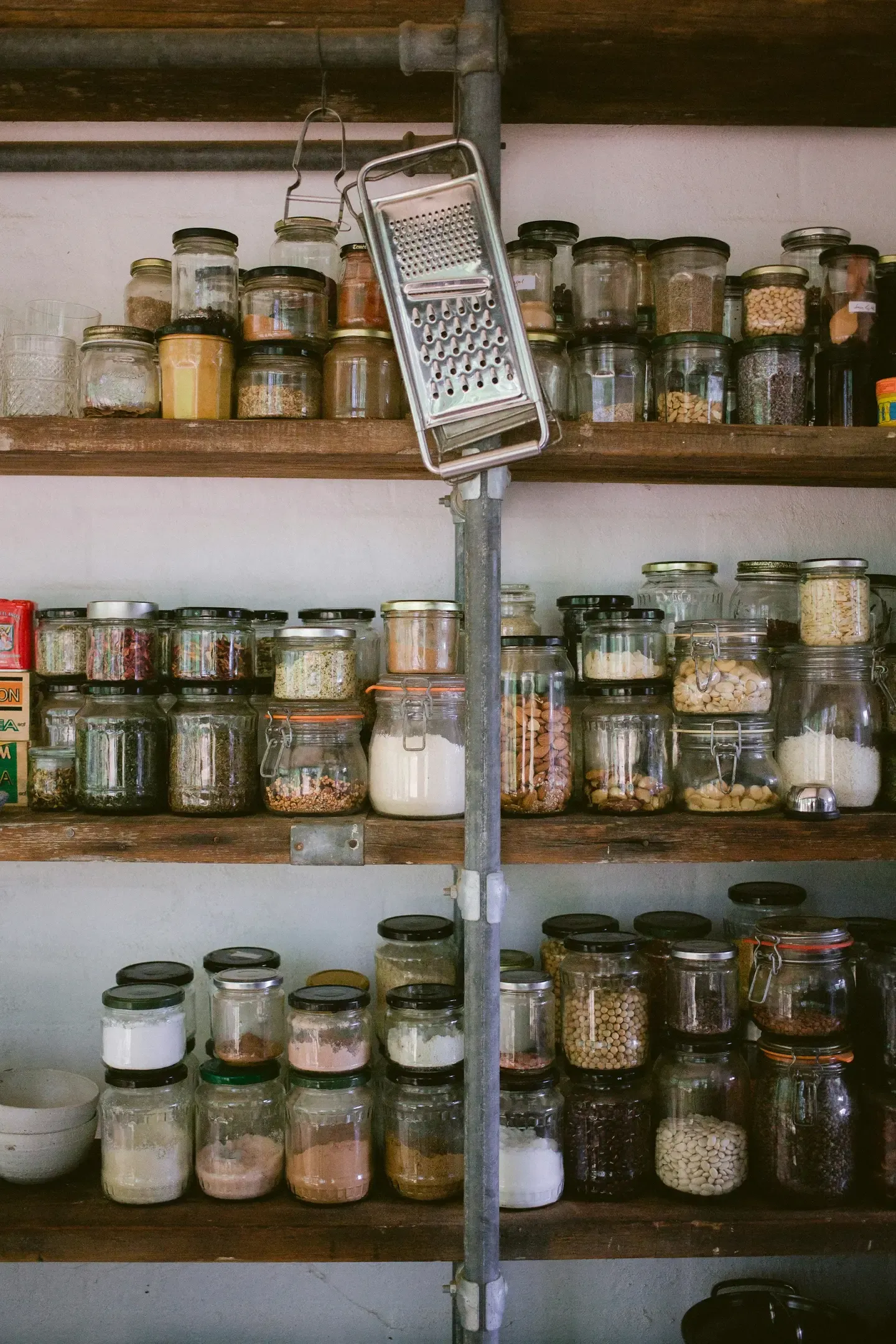
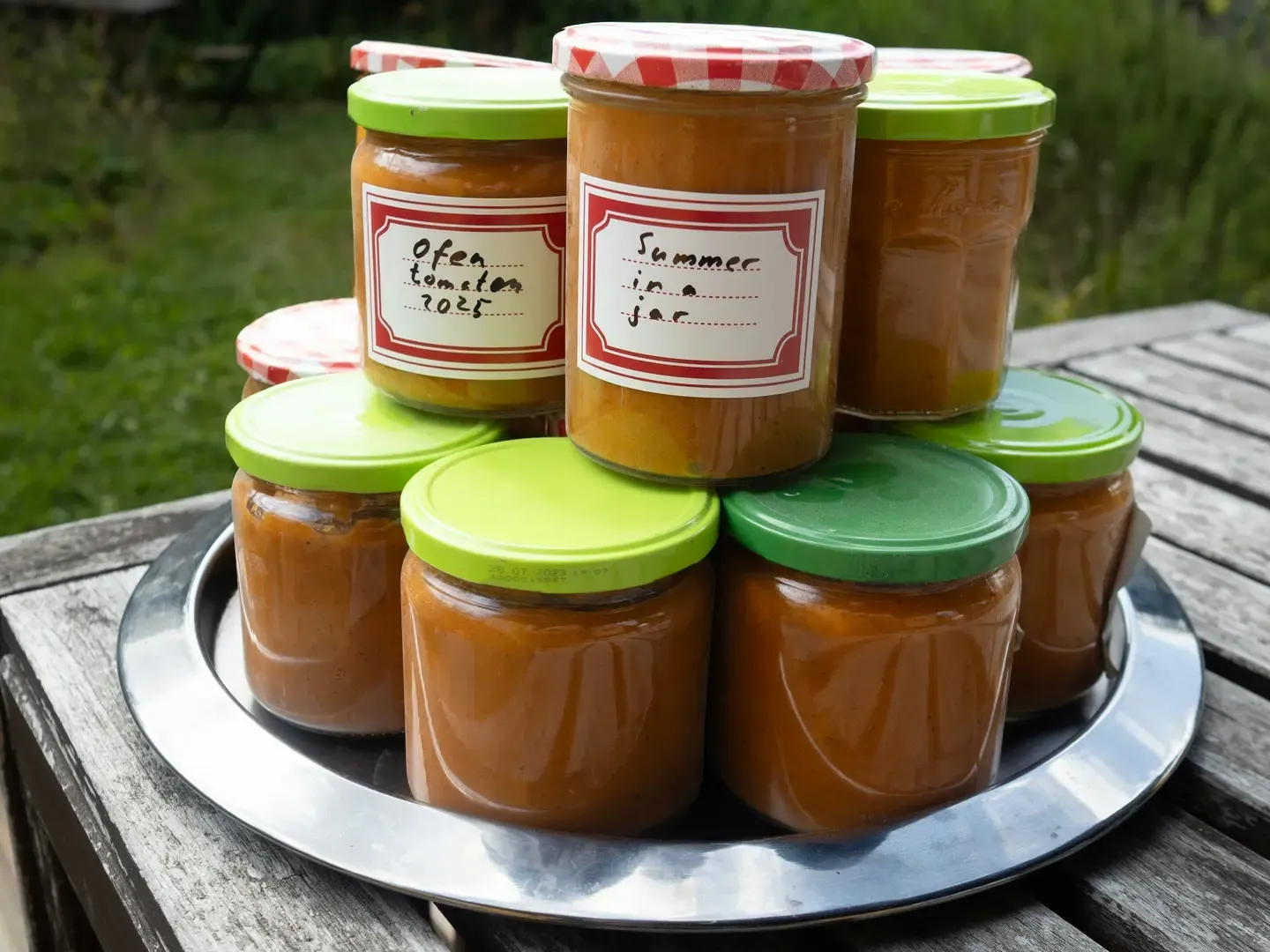
Make your inventory management visual! With the feature “Upload Your Own Images” you can add a photo to each item – for example, of the packaging, the jar, or the portion in the freezer. This is especially helpful if you share with others in a community or if you want to visually remember your supplies better.
Activation: Open app → Account (last tab in the mobile app) → Settings → “Activate Personal Pictures”
The app automatically displays calorie and nutritional information – super convenient when you’re shopping or eating mindfully. Don’t need this info right now or want a cleaner view? You can also simply hide the display!
**Control:**Profile → Account Settings → Enable “Hide Nutritional Information”, to hide it.
💶 Prices & Expenses at a Glance
If you want to know how much you spend on which item or how much money is lying dormant in your pantry, the Price Entry feature can help you. With it, you can plan your shopping even better and even track your budget.
Activation: Open app → Account (last tab in the mobile app) → Settings → “Enable price input”
💡 Prepper Mode: Even More Control
The Prepper Mode has been introduced for those who really want to keep track of everything – including minimum quantities, emergency supplies, and individual notes for serious situations. It’s also useful if you just want to make sure you never run out of anything important.
Activation: Open app → Account (last tab in the mobile app) → Settings → “Show Prepper Information”
Here’s how you can find your account settings
In the mobile app you can find the settings easily in the last tab on the far right (Account). In the web app click on Account → “Settings”.
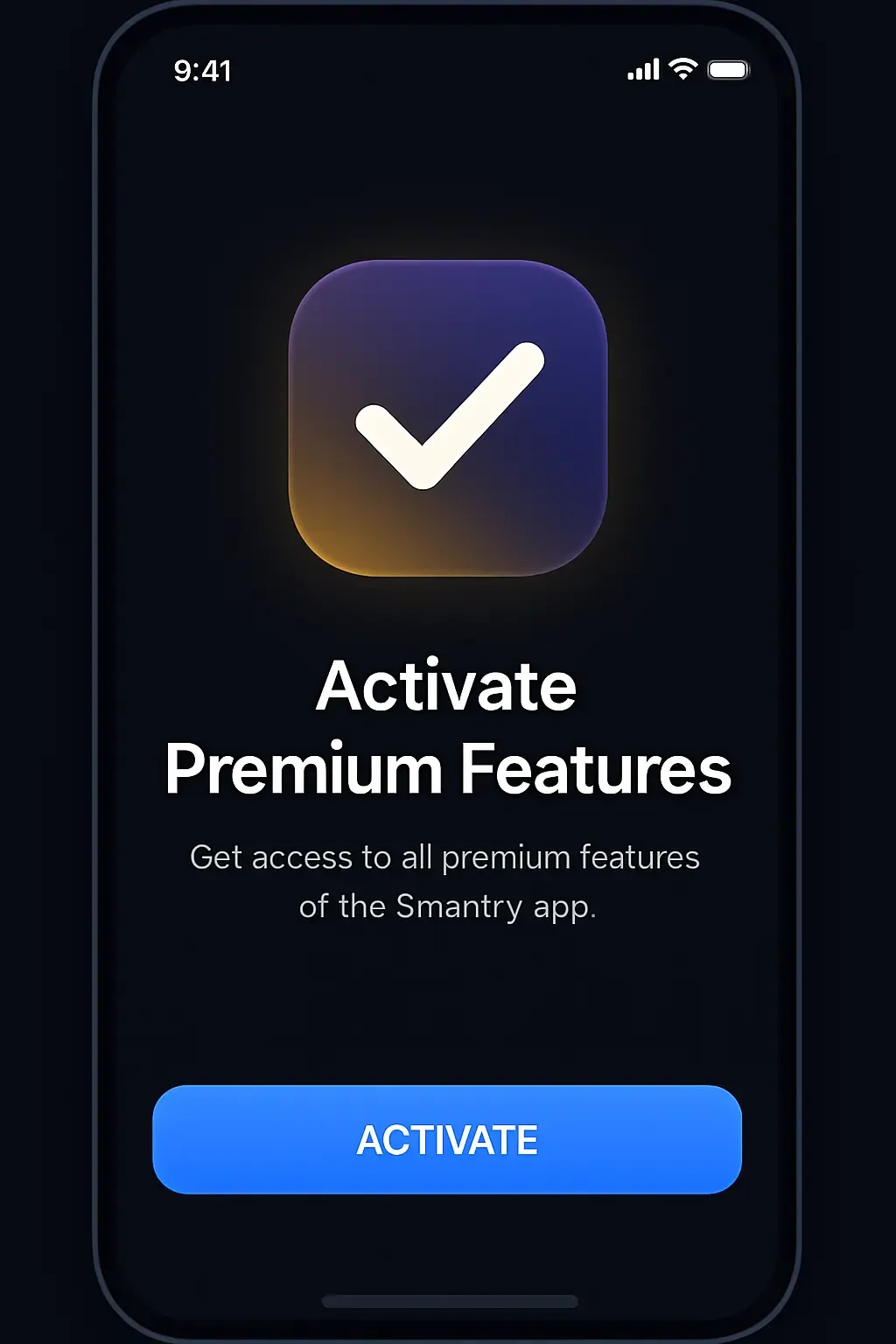
All mentioned features are part of the Premium-Version. If you don’t have a premium license yet, feel free to check in the app or on app.smantry.com/upgrade – there’s also a team license available!
✨ Conclusion: You have more options than you think. Activate the hidden premium features now and get the most out of your Smantry app. Because smart inventory management starts with the right tools.
If you have any questions about activation, feel free to contact support or check out our Help Center. And if you have feature requests – we always welcome your feedback!
Read next