A sentence went around the internet recently that we could have written ourselves: “I never want to use your AI assistant on your website. I want to use my AI assistant on your website.”
We agree. You have already picked an assistant that knows your habits and that you talk to anyway. A second chatbot inside Smantry that can only talk about food would not make your life easier. So we are not building one. Instead we are opening Smantry to the assistant you already use.
What your assistant can do with Smantry
Smantry speaks the Model Context Protocol (MCP), the open standard Claude, ChatGPT and other assistants use to talk to apps. Once connected, you can ask things like:
- “What expires in the next seven days?”
- “I put two packs of oats in the pantry.”
- “Suggest a dinner from what expires soon.”
- “Add everything I’m missing for lasagne to the shopping list.”
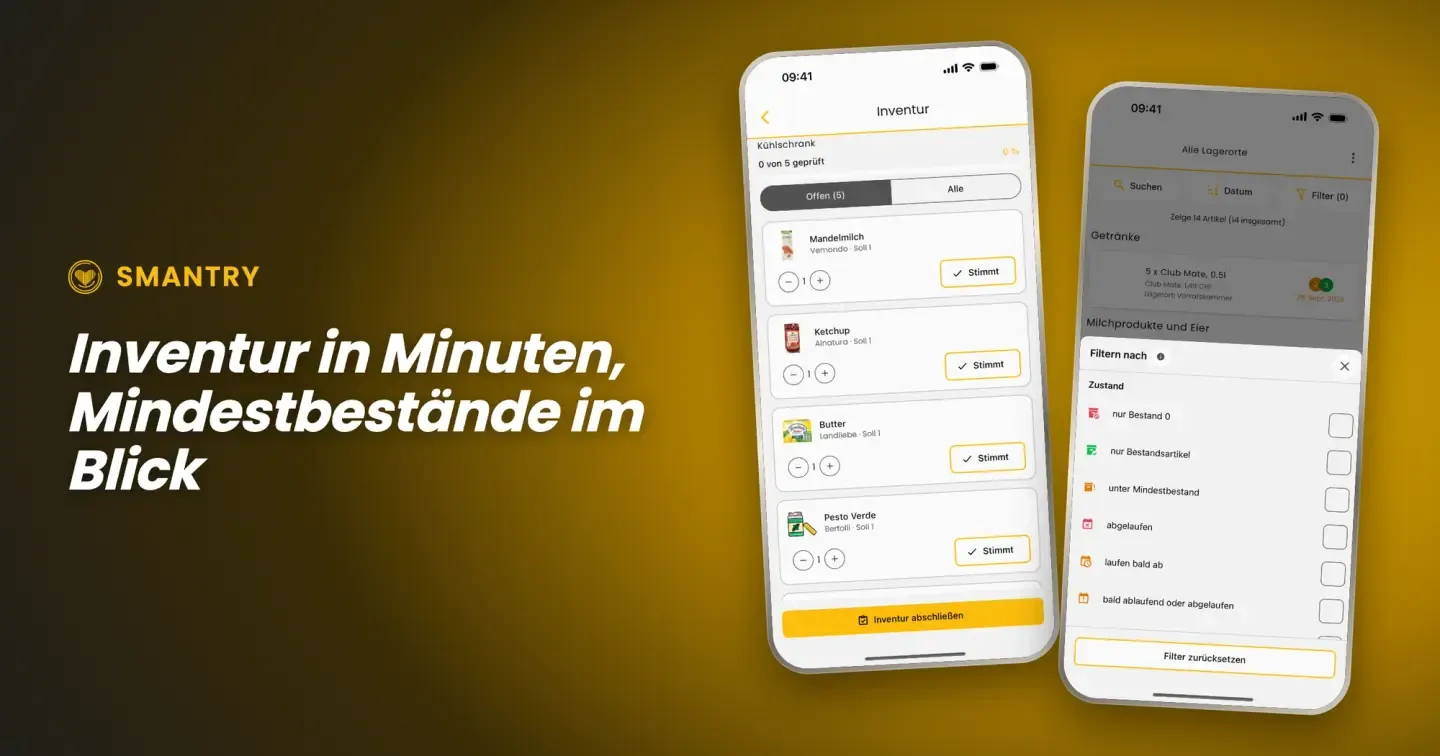
Your assistant reads and updates your stock, your shopping list and your recipes, just like you would in the app. Everything shows up in Smantry right away, on your phone and in the browser, for everyone in your household.
How to connect Smantry
- In Claude: Settings, Connectors, add a custom connector and enter
https://api.smantry.com/mcp.
- In the same dialog, open “Advanced settings” and enter
smantry-mcp in the field “OAuth Client ID”. Leave the field “OAuth Client Secret” empty.
- Sign in with your Smantry account and confirm what the assistant may see and change.
ChatGPT and other assistants will follow.
The full guide is on our page AI assistants and API.
Your data stays yours
Your assistant signs in with your own Smantry account. It only sees the areas you allow, and only your own households. You can disconnect it at any time. Smantry shows no ads and sells no data.
What does it cost?
Reading is always free. Writing works without a subscription too, with the same limit as the app: once a household holds 100 items, adding more needs Premium. Your assistant will tell you, and consuming, removing and the shopping list keep working.
Prefer to build it yourself? Our open REST API is still there for Home Assistant, ioBroker or your Raspberry Pi barcode station.
We are curious what you will ask your assistant. Tell us what works well and what is still missing.