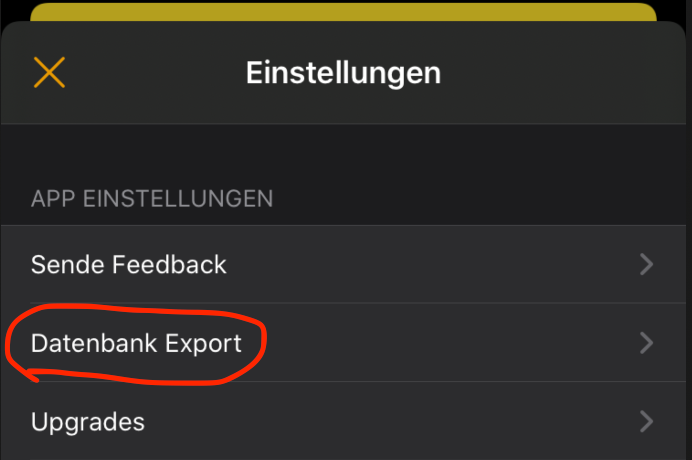
First, export all your entered data in the iOS app into a CSV file. To do this, open the settings in the app and click on "Database Export":
2. Have this file sent to you via email. If that doesn't work: Please set up your Apple Mail program on your iPhone so that it can send emails. Only then will the delivery of emails work in the Pantry App.
3. Open the email and save the attachment on your computer / phone.
4. Go to https://app.speisekammer-app.de and open the community into which you want to import the food. If you haven't created a community yet, create one now and open it.
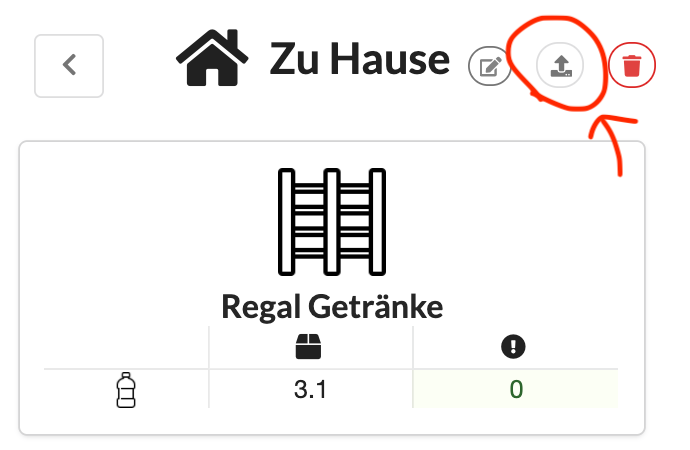
5. Import the CSV file into this community. To do so, drag the CSV file onto this button:
6. All products are now being imported as food items. All storage locations will be created unless they already exist.