Three terms are easy to mix up in Smantry: team licence, community and storage location. They answer three different questions.
Team licence – who may use Smantry
The team licence is your contract. It holds a number of seats, and each seat lets one person use Smantry with the full feature set. The team licence says nothing about which stock someone can see.
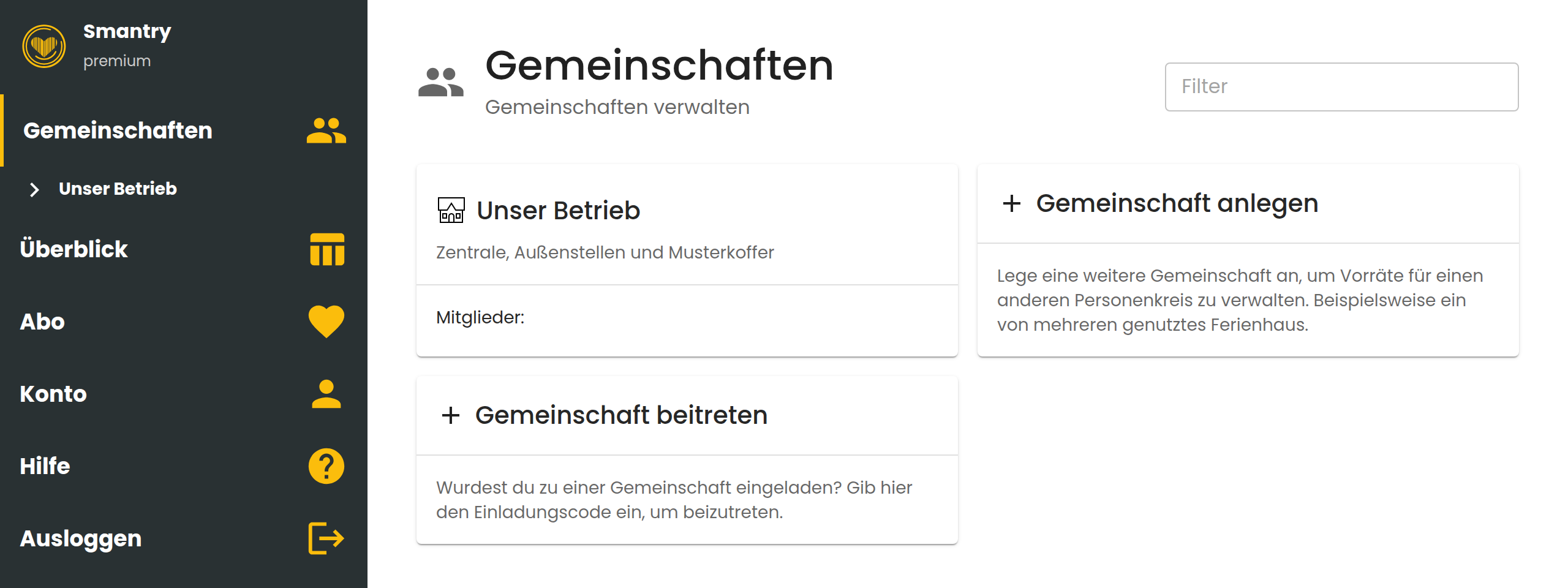
A community is a shared stock. Everyone in a community sees the same items and can edit them. A community is therefore not a team and not a family – it is a shared data space. For a company, the community is usually the business itself.
Storage location – where something sits
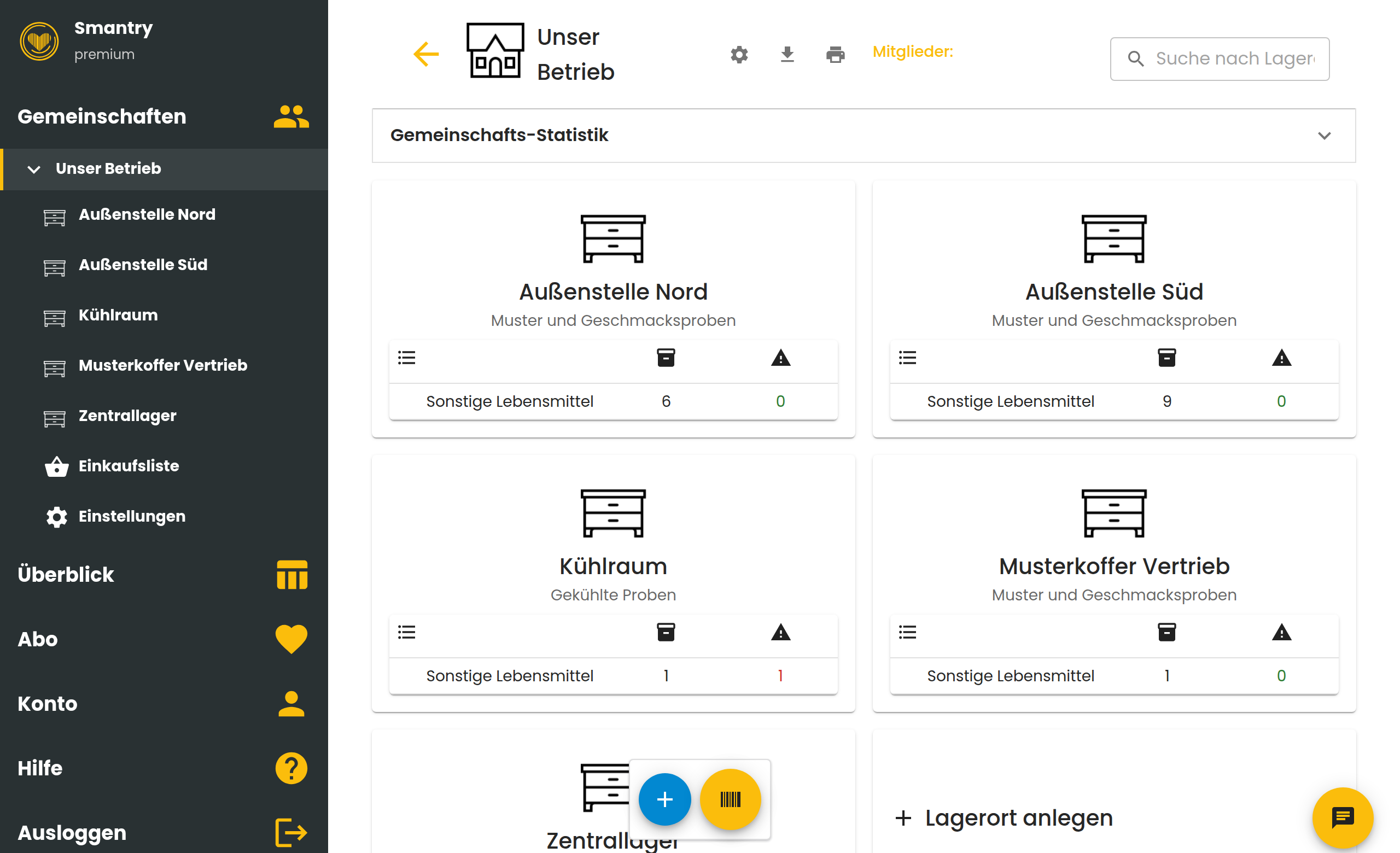
Inside a community you create as many storage locations as you like: shelves, cold rooms, vehicles – or entire sites. Storage locations are not limited.
The rule of thumb
You only need a second community if the people there must not see the other community’s stock. In every other case, create a storage location.
Three examples
- A family: one community “Home”, with the storage locations kitchen, cellar and freezer.
- A business with field offices: one community for the business, with one storage location per field office. Everyone sees the whole stock.
- A business needing strict separation: one community per site. Nobody sees the stock of the other sites.
How the two work together
Team licence and community are independent of each other. Someone can be a member of a community without occupying a seat – the limits of the free version then apply to them. And someone can hold a seat without sharing a community with you.
That is why staff joining or leaving always affects both sides. Here is how to do it: Managing your team licence