Unplugged from the grid!
What to do when there is no internet connection? Can I still use the PantryApp (Spoiler: Yes, you can!) and what happens to my recorded data once I'm back online?
Do you live in an area with an internet connection that isn't always very stable? Then, unfortunately, it may happen that you can't use our PantryApp as usual.
In this post, we explain to you which functions are limited, how you can still use our app, and what happens when you go back online.
What is the difference when using the Speisekammer.app in offline mode
This is how our apps differ when you're offline
– meaning without an internet connection
The Web App:
Our very first app. The Web App can generally only be used online – as the name suggests. Scanning, creating, and managing items is only possible with an internet connection.
The PantryApp for Android and iOS:
The advantage of the Android and iOS app is that you can also use it offline to a limited extent. If you're not connected to the network, as can be the case in basements or supermarkets (no, not every basement has Wi-Fi), you can still access and manage existing items. For example, you can check what's still in stock at home while you're at the supermarket, or sync your cellar inventory with the app. However, if you want to add a new item using the Open Food Facts database, you'll need to be online again.
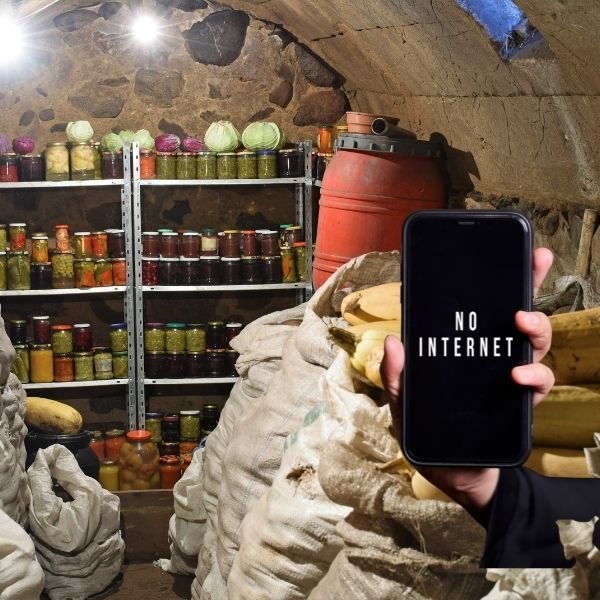
No internet in the basement or supermarket?
I have a question...
But why does the creation of new articles only work when you are online? The reason is that the database, which includes all products, is over 4 GB in size. Quite a lot, isn't it? It's extremely important to us to provide the same foundation to all users. Moreover, this allows us to offer better support. Open questions can thus be answered more quickly – and if it's the same question from multiple users – uniformly. That's why we decided to store the database on the server rather than installing it on each device.
Edit in offline mode and then?
Calm down and keep cool ;) - you didn't do the work in the SpeisekammerApp for nothing. As soon as the connection is restored, all changes will be adopted in chronological order. Moreover, the changes will be synchronized across all devices, Yay!
Thanks to this feature, the changes are visible on every device where you have installed the Speisekammer App - and of course by every member of the community.
The key features summarized briefly
- The web app can only be used online.
- The app for Android and iOS can be used online without any restrictions. However, changes to the inventory can be made offline.
- Additionally, the smartphone app allows for the creation and management of personal articles offline without any restrictions.
Questions upon questions...
As we always strive to improve, we urgently need your feedback.
Have you ever used the Speisekammer app in restricted mode? How did you find the usability? What has been your experience with the automatic adjustment? Just send us an email at info@speisekammer.app. We look forward to your feedback!